Your AI never
forgets.
Persistent memory and a deterministic code graph for any AI agent — coding, research, support, ops. Connect once. Every session after that — Cursor, Claude Code, Hermes, Windsurf — answers grounded in your decisions, prior work, and your codebase's real structure.
Free to start · No credit card · Works with any MCP-compatible IDE
The Problem
Your AI has amnesia
Everynewconversationstartsfromzero.YourAIdoesn'trememberwhatyoubuiltyesterday,thedecisionsyoumadelastweek,orthearchitecturepatternsyou'veestablished.Hundredsofhoursofsharedcontext—gone.Context amnesia
You explained your architecture, your constraints, and your approach. Next chat — same AI, same platform — asks from scratch.
Decisions lost between sessions
You spent an hour weighing options and landed on a direction. Next session: your AI recommends the exact approach you already ruled out.
No awareness of your work
Your AI can't see your domain, your naming conventions, or the 40 decisions that shaped your project. Every response is generic.
Broken continuity
You built something complex together yesterday. Today your AI responds like you've never met.
The promise
Everysessionstartswherethelastoneended.
Most context tools index your code. Remb remembers your decisions, your patterns, and your prior conversations — and hands them to whichever agent you open next.
How It Works
Set up in under a minute
Signin,getyourAPIkey,droponeMCPsnippetintoyouragent.Everysessionafterthat—inanytool—yourAIstartsgroundedinyourcontext.Connect your repo
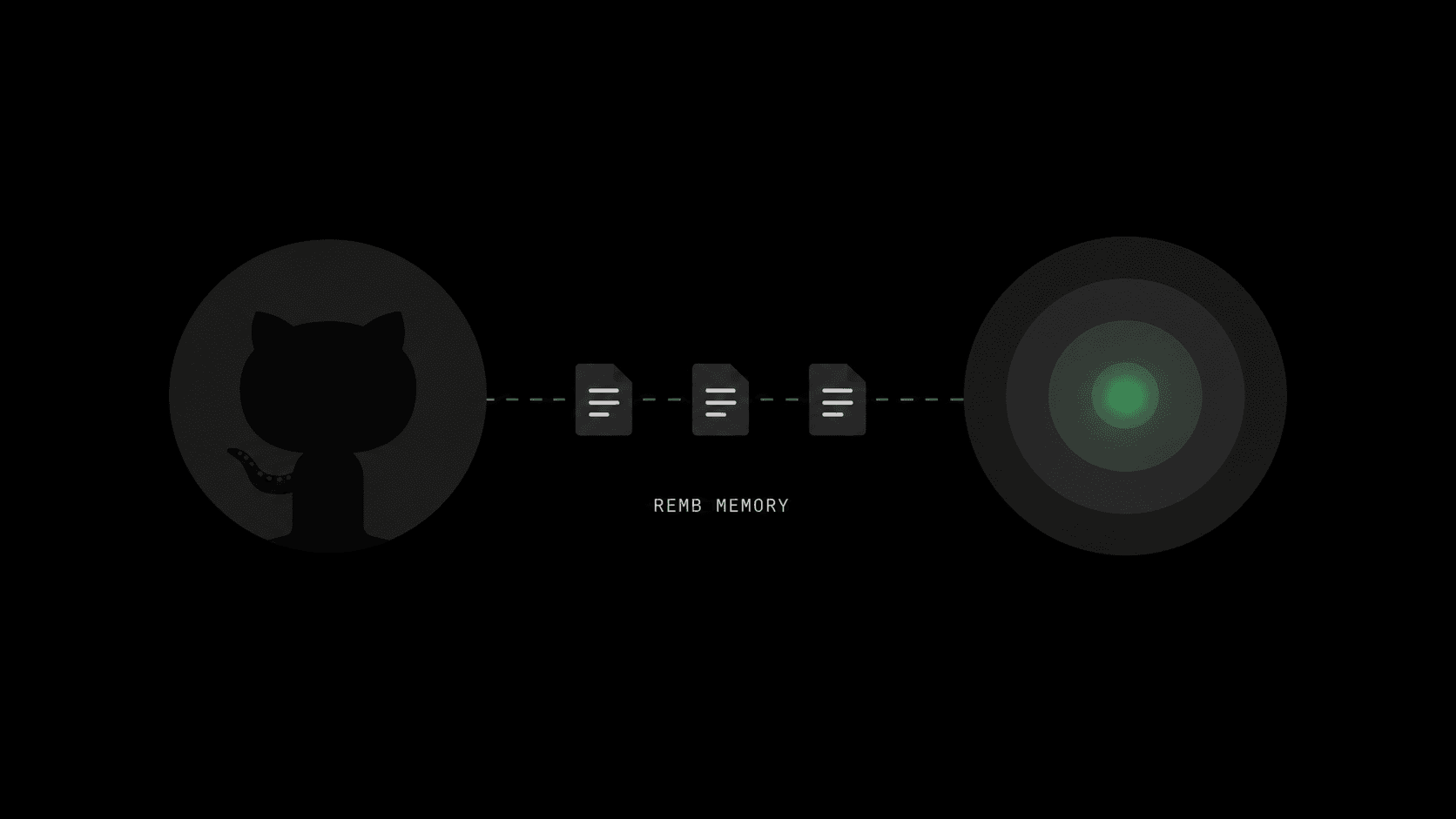
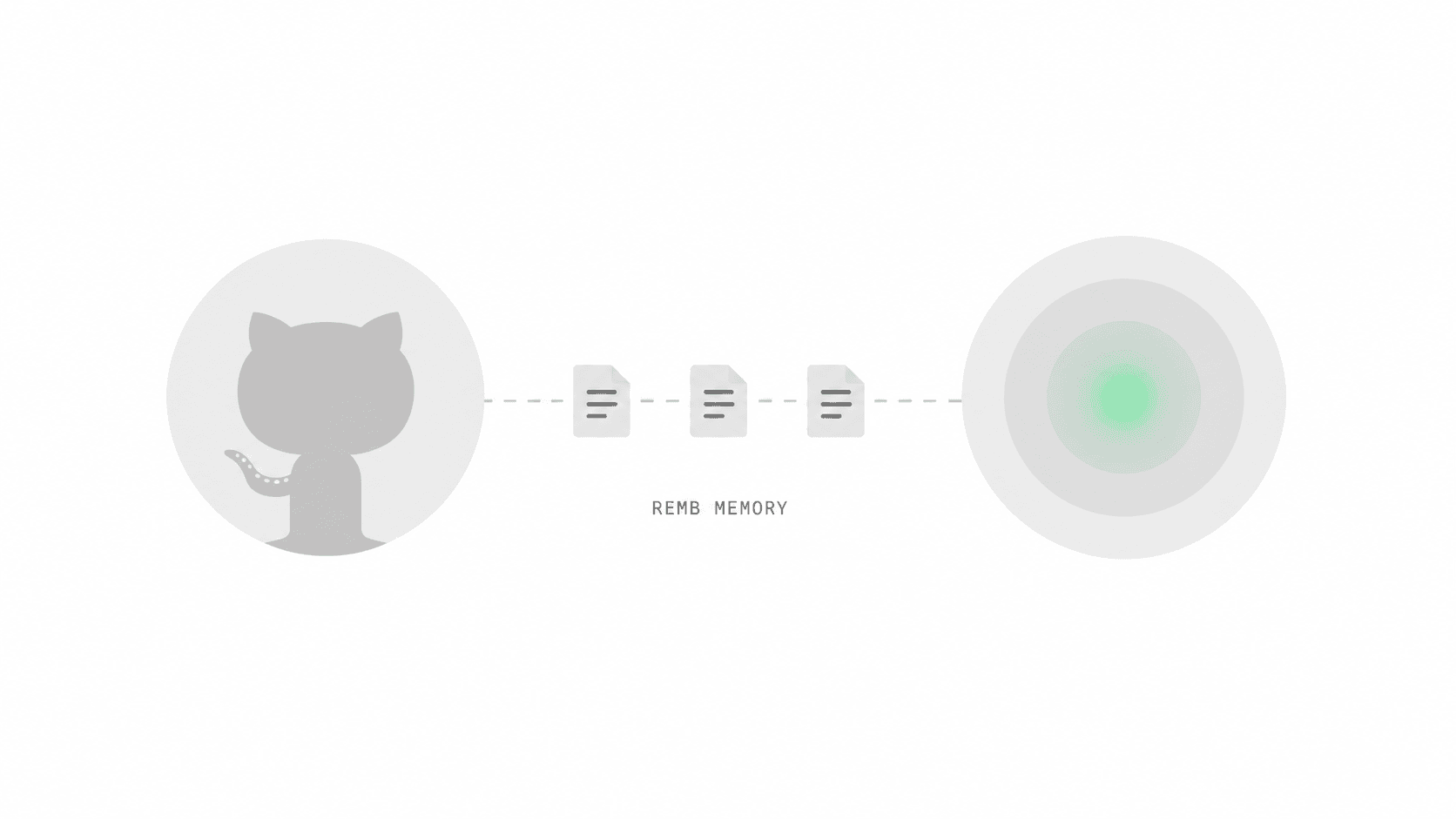
Sign in, click ‘Add GitHub repository’, pick the repos you want indexed. Connecting a repo is optional — memory works from your first session without one; a scan adds codebase context on top. No config file, CLI optional. We handle webhooks, scanning, and re-indexing on every push automatically.
Connect your AI in one command
Run `remb connect` and pick your agent — Cursor, Claude Code, VS Code, Hermes, 17 clients from one catalog. It authenticates, writes the right MCP config, and health-checks it. Prefer to paste a snippet yourself? That works too. No extension. No background daemon.
Your AI just knows
Every new chat, every new tab, every new agent session: your AI automatically pulls the right context — exact code symbols from the graph, decisions, prior conversations — grounded in your codebase's real structure. No more re-explaining what you built yesterday.
Model Context Protocol
Works with every AI tool
MCPistheopenprotocoleverymodernAIagentspeaks.Rembexposes12coretoolsbydefault:sessionstart,memoryread/write,conversationlogging/search,projectsetup,scantrigger/status,andtooldiscovery.Theremaining93activetoolsstaydiscoverablewhenanagentneedsmore.Cursor,ClaudeCode,VSCode,Hermes,anythingMCP-compatible.Onecommandwith`rembconnect`,orpastethesnippetyourself.Done.12 core tools by default
Session start, memory, conversation history, project setup, scans, and tool discovery stay loaded. Specialized workflows move behind tool_discover: 12 core by default, 66 discoverable, 15 advanced across the full 93 active MCP tools.
One command, any agent
`remb connect` wires up Cursor, Claude Code, VS Code, Windsurf, Hermes, Codex, OpenCode — 17 clients from one catalog. It authenticates, writes the right config, and health-checks it. Or paste the HTTPS endpoint yourself: any MCP agent, one Bearer token, done.
Local stdio via remb serve
Run `remb serve` for local stdio transport. Same active tool catalog, proxied from your AI client to the Remb API. Install once with Homebrew, auto-injects your project slug from .remb.yml.
Auto-loaded every session
Your agent calls session_start at the beginning of every chat — loading core memories, project context, and conversation history automatically. Works with or without a scanned project. No nudges needed.
HTTP · Browser OAuth
{
  "mcpServers": {
    "remb": {
      "type": "http",
      "url": "https://useremb.com/api/mcp"
    }
  }
}
Local stdio (offline)
{
  "mcpServers": {
    "remb": {
      "command": "remb",
      "args": [
        "serve",
        "--project",
        "YOUR_PROJECT_SLUG"
      ]
    }
  }
}
Features
Memory that scales with your work
Fromthree-tiermemorytoadeterministiccodegraphanda93-toolMCPserver—RembgivesanyAIagentthepersistentcontextitneedstounderstandyourwork,rememberyourdecisions,andknowyourcodebase'sstructure,notjustproseaboutit.Three-Tier Memory System
Core memories load every session. Active memories surface on-demand based on what you're working on. Archive stores everything long-term. Any agent — coding, research, support, ops — always has the right context at the right time.
5-Phase Codebase Scanning
Scout, Analyze, Architect, Review, and Finalize — a multi-agent pipeline that maps features, code symbols, architecture layers, and dependency graphs from your entire repo. Optional: memory works without a scanned project.
Conversation Continuity
Every session is logged and semantically indexed. Your AI starts each conversation knowing what was discussed, built, and decided before — zero context lost.
Cross-Project Intelligence
Search memories and patterns across all your projects. Tell your AI "do it like project X" and it pulls matching architecture, decisions, and implementations.
Deterministic Code Graph
Remb reads your code with a real parser — tree-sitter, not an LLM guessing from prose. Symbols, calls, and imports are exact and stable across scans, across TypeScript, JavaScript, Python, and Go. Your agent knows your codebase's structure, not just a summary of it.
Hybrid Search
Coding agents need the exact identifier, error string, or file path — the tokens pure embeddings miss. Remb runs keyword (BM25) and semantic search in parallel and fuses them, so an exact match survives even when its meaning-similarity is low. Find the literal symbol and the concept behind it.
Global User Memory
Your personal AI brain. Save preferences, lessons learned, and research across all your projects so you never have to repeat yourself again.
Bring Your Own Model
Route through your own OpenAI, Anthropic, DeepSeek, or OpenRouter key — or run fully local with Ollama and zero cloud keys. Self-host the whole thing and your code never leaves your box. Your keys beat the platform's; providers fall back gracefully.
Secure by Default
OAuth PKCE authentication, credential files stored with chmod 600, revocable API tokens, WebAuthn passkey support, and built-in 2FA.
Web Dashboard
Visual project explorer, interactive feature graph, memory manager, conversation browser, and an MCP hub for connecting external AI tools — all in one interface.
Scratchpad & Briefings
Offload large tool outputs (scans, audits, diffs) to a session-scoped scratchpad so they stay out of your prompt until needed. Save typed handoff briefings between sessions — focus, decisions, blockers, files — instead of replaying entire transcripts.
Memory Degradation Telemetry
Memories that get retrieved often but lead to wrong outputs are quietly poisoning your context. Remb tracks success/rejection/undo per memory and surfaces quarantine candidates before they pollute the next session.
AI Skills Library
Reusable procedural memory the agent can search, load, and self-heal. Save how you do something once — "how we deploy the worker", "our Redis retry pattern" — and Remb auto-suggests it next session via semantic match. Versioned, patchable, project- or globally-scoped.
Connect in One Command
`remb connect` wires up Cursor, Claude Code, VS Code — and 14 more clients — straight from one canonical catalog. It authenticates, writes the right MCP config (merged, never clobbered), and runs a health check. Agents can even self-provision headlessly and sign themselves up.
Proven, Not Just Claimed
Remb ships an open, reproducible benchmark you run yourself — `pnpm bench` measures recall against tokens injected at session start. Same recall, far fewer tokens than dumping files into context. Run it against your own self-hosted instance and see the numbers for yourself.
Get Started
Ready in minutes
Twopaths.HumansconnectaGitHubrepo.AgentsdroponeMCPsnippet.Noextension.Nodaemon.CLIoptional—oneHTTPsnippetisenough.Cursor
Add to ~/.cursor/mcp.json
{
  "mcpServers": {
    "remb": {
      "url": "https://useremb.com/api/mcp"
    }
  }
}
Claude Code
One command
claude mcp add --transport http remb https://useremb.com/api/mcp
VS Code
Add to .vscode/mcp.json
{
  "servers": {
    "remb": {
      "type": "http",
      "url": "https://useremb.com/api/mcp"
    }
  }
}
Windsurf
Add to ~/.codeium/windsurf/mcp_config.json
{
  "mcpServers": {
    "remb": {
      "serverUrl": "https://useremb.com/api/mcp"
    }
  }
}
Quick Start
From zero to full context
Threesteps.NoCLIrequired.WorkswithanyMCP-compatibleIDE—Cursor,ClaudeCode,VSCode,Continue,Windsurf,Hermes.Sign in & get your API key
Open useremb.com, sign in with GitHub, go to Settings → API Keys → Create. Memory works immediately — no project needed. Optionally connect a GitHub repo to add codebase scanning on top.
Generate an API key
Settings → API Keys → Create. Revoke any time. Use API keys for unattended agents or CI — no browser flow needed.
Drop the MCP snippet into your IDE
Pick your IDE above, copy the snippet, paste, restart. From then on, every chat in that IDE auto-loads your project’s context.
{
  "mcpServers": {
    "remb": {
      "type": "http",
      "url": "https://useremb.com/api/mcp",
      "headers": { "Authorization": "Bearer YOUR_REMB_API_KEY" }
    }
  }
}
Get Started
Give your AI a permanent memory
Remb is the persistent memory and context layer for any AI agent — coding, research, support, ops. Your decisions, conventions, prior work, and project knowledge survive across every conversation, in every tool — automatically.
Deterministic code graph
Tree-sitter parsing — TS, JS, Python, Go
Hybrid search
Keyword BM25 + semantic, fused
3-tier memory
Core, active, and archive layers
Bring your own model
OpenAI, Anthropic, DeepSeek, OpenRouter — or local Ollama
12 core MCP tools
Session, memory, projects, scans, history
Connect in one command
`remb connect` — 17 clients from one catalog